

Course Quick Info
| Duration | 1.5 – 2 Months |
|---|---|
| Mode | Classroom at KPHB + Online Available |
| Certificate | Industry-recognized completion certificate |
| Placement | Placement Assistance — Product Design / Manufacturing Companies |
| Who Should Join | Mechanical and production engineering graduates / diploma holders |
Why Creo?
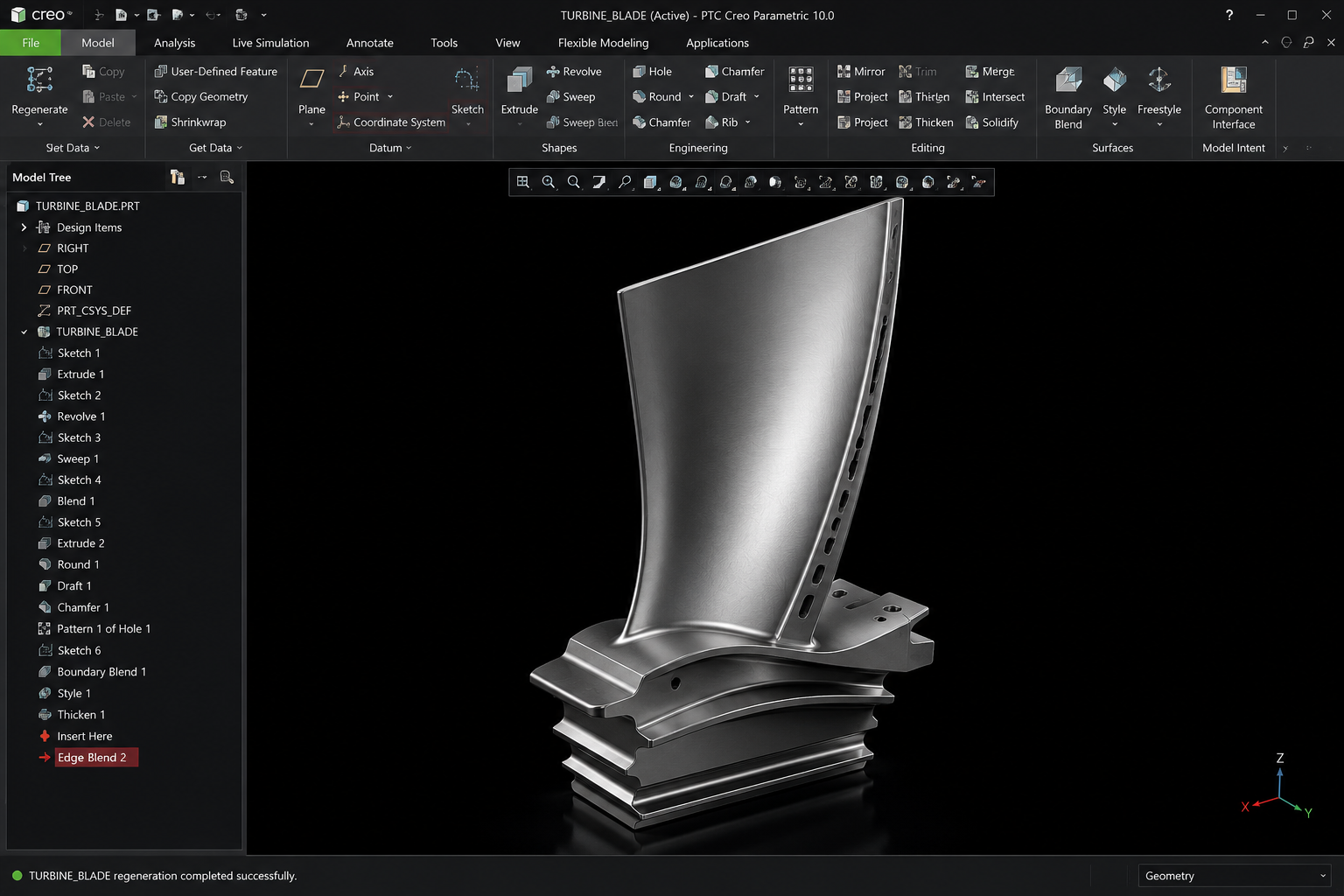
Creo (by PTC) is a widely used parametric 3D CAD software popular in product design, industrial machinery, and manufacturing industries for its strong parametric modelling, assembly management and integrated simulation capabilities. It is one of the standard tools requested by manufacturing and product design companies.
Curriculum
Course Syllabus
8 modules
- 2D sketching tools, constraints, and dimensioning
- Extrude, revolve, sweep, pattern, and parametric features
- Blends, helical features, and family tables
- Component placement, constraints, and top-down assembly
- Sheet metal walls, bends, and unfolding
- 2D drawing generation, dimensioning standards, and BOM
- Creo Simulate basics for structural analysis
- Complete product/component design from sketch to manufacturing drawing
Career Opportunities
- ✓Creo Design Engineer
- ✓Product Design Engineer
- ✓Mechanical Design Engineer at manufacturing companies, product design firms and engineering consultancies
Frequently Asked Questions
Both are parametric mechanical CAD tools with similar core workflows (sketch → feature → assembly → drawing); the main differences are in interface and certain industry-specific features. Learning one makes picking up the other much easier.
Industrial machinery, automotive components, consumer products, and general manufacturing companies frequently use Creo and look for trained designers.
Yes, we cover the basics of Creo Simulate so you understand how to validate designs for stress and load before manufacturing.
Ready to start your career in Creo?
Talk to Manju Ma'am, sit in on a live class, and decide for yourself.