
Enscape
Interior · Real-time Rendering
Real-time rendering plugin for Revit, SketchUp, ArchiCAD, Rhino & Vectorworks.
Course Quick Info
| Duration | 3 – 4 Weeks |
|---|---|
| Mode | Classroom at KPHB + Online Available |
| Certificate | Industry-recognized completion certificate |
| Placement | Placement Support — Architecture / Interior Design Firms |
| Who Should Join | Revit and SketchUp users who want instant in-software rendering, and design pros who present to clients |
Why Enscape?
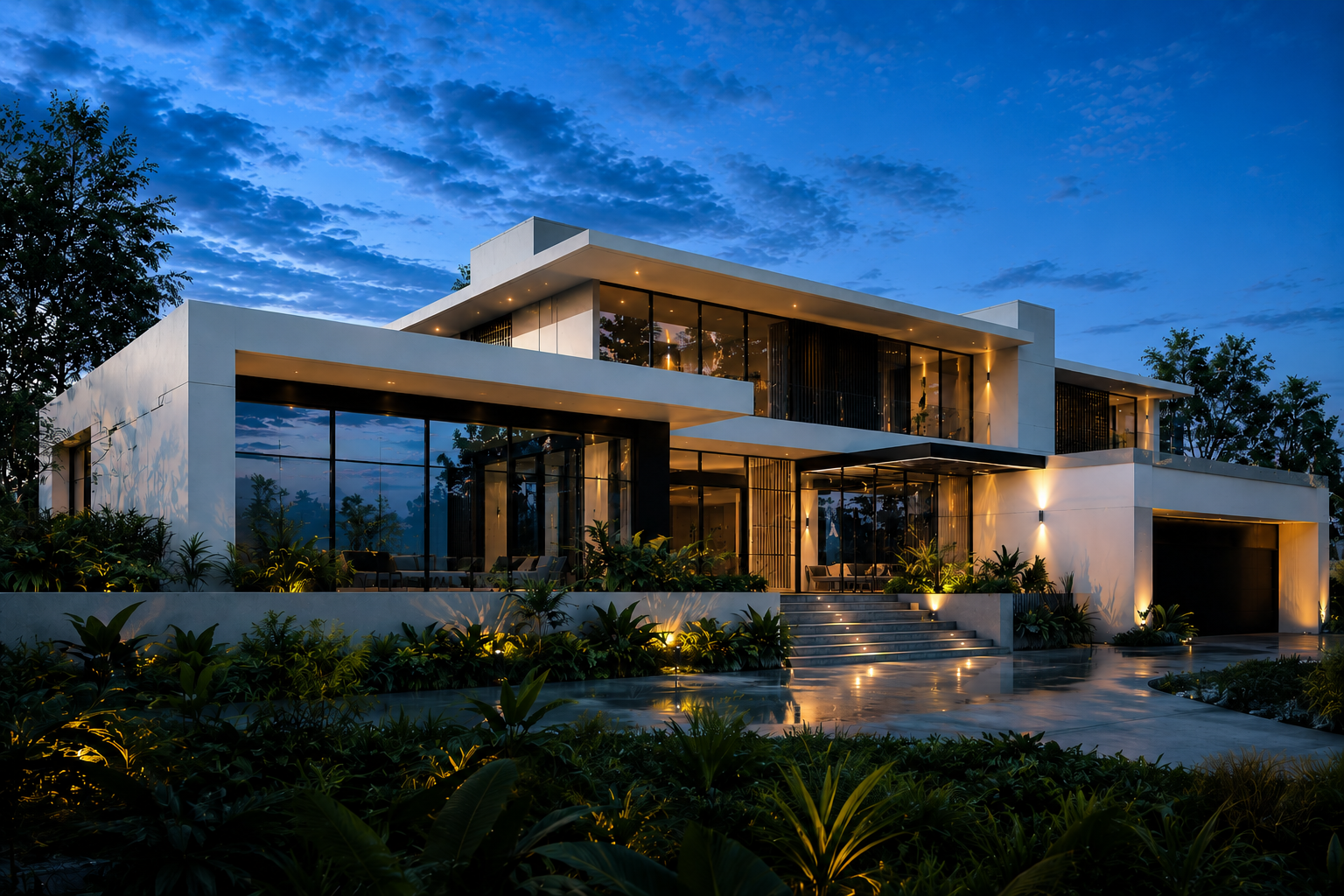
Enscape is a real-time rendering plugin that integrates directly inside Revit, SketchUp, ArchiCAD, Rhino and Vectorworks — there's no separate software to export to. As you edit your model, the render updates instantly, making it extremely popular for architects who present design options live in client meetings, including VR walkthroughs.
Curriculum
Course Syllabus
8 modules
- Installing and linking Enscape with Revit/SketchUp
- Material editor, asset library, and custom materials
- Sun position, artificial lights, and sky/weather presets
- Settings for fast preview vs high-quality output
- Live walkthrough mode and VR headset presentation
- Creating executable walkthrough files for clients without Enscape installed
- Animation rendering and 360° panoramas
- Real-time, presentation-ready render set for a design project
Career Opportunities
- ✓BIM Visualizer
- ✓Architectural Designer (Visualization)
- ✓Interior Designer with rendering skills — valued at firms doing live client presentations and design-build companies
Frequently Asked Questions
No, Enscape is a rendering add-on that works on top of your existing model in Revit, SketchUp, ArchiCAD or similar; you still need one of those as your modelling software.
Yes, real-time VR walkthroughs are one of Enscape's biggest strengths, and this course covers them in detail.
Enscape's advantage is working live inside your modelling software with zero export step, ideal for real-time design changes in meetings; Lumion is generally used for more polished standalone final renders and animations. Many studios use both depending on the project stage.
Ready to start your career in Enscape?
Talk to Manju Ma'am, sit in on a live class, and decide for yourself.